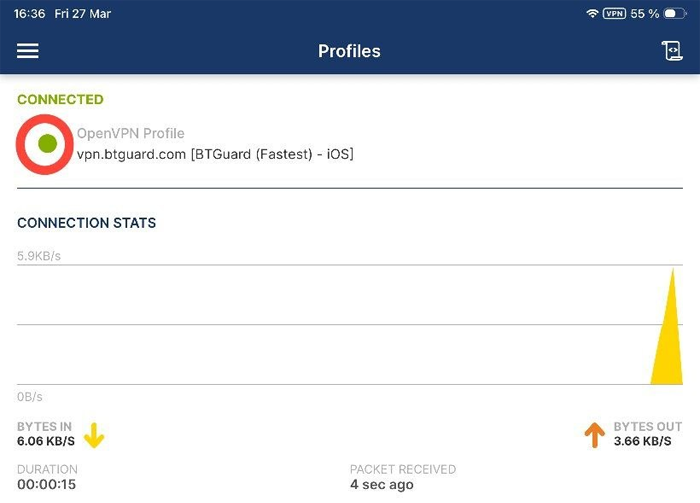
BTGuard
iOS
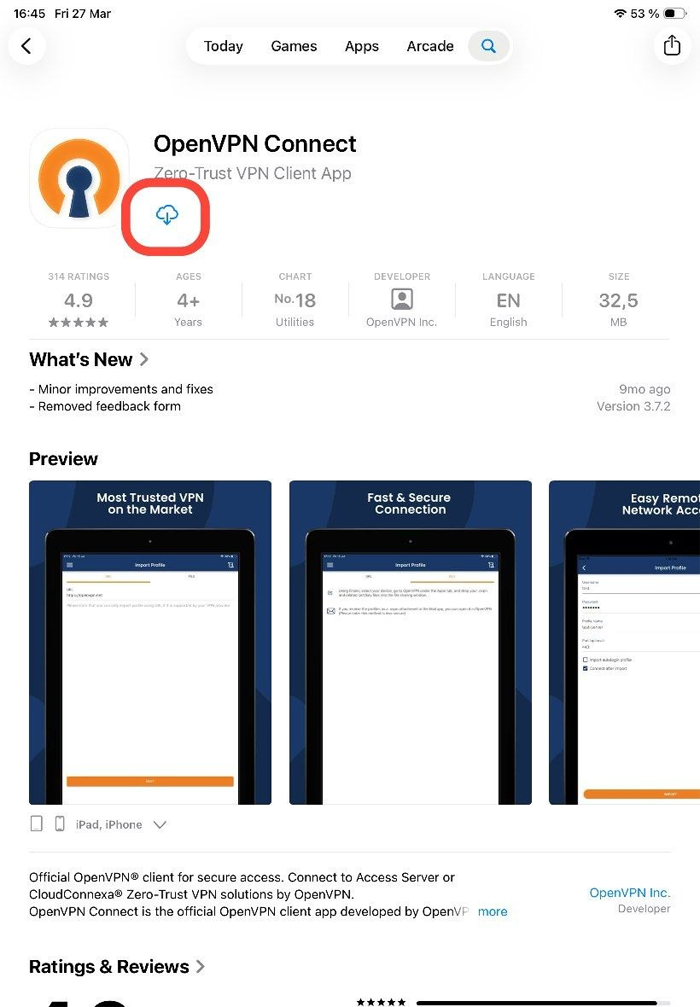
- 1. Go to the App Store search for OpenVPN Connect and Install it.
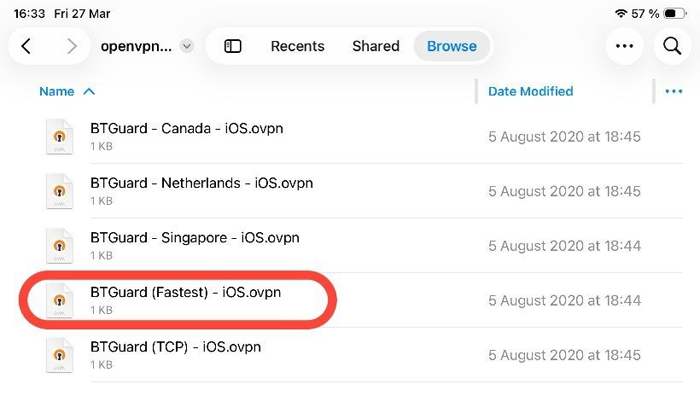
- 2. Download the OpenVPN iOS BTGuard Configuration Zip.
- 3. Unzip the downloaded file and open the location in Finder.
- 4. Tap the desired location to add.
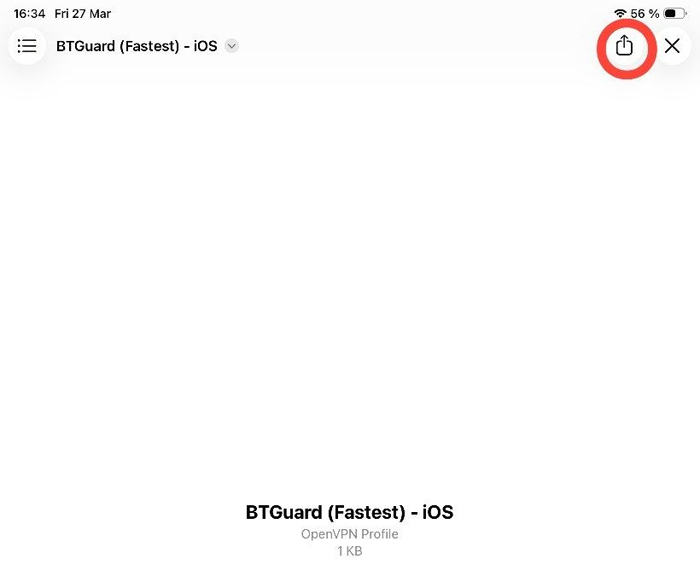
- 5. Tap the open icon in the upper right corner.
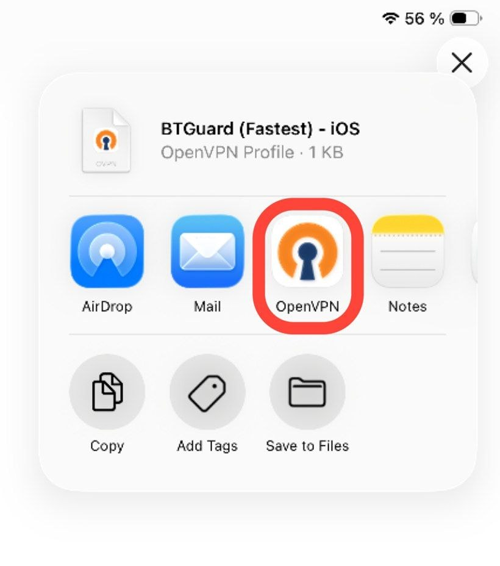
- 6. Tap on OpenVPN
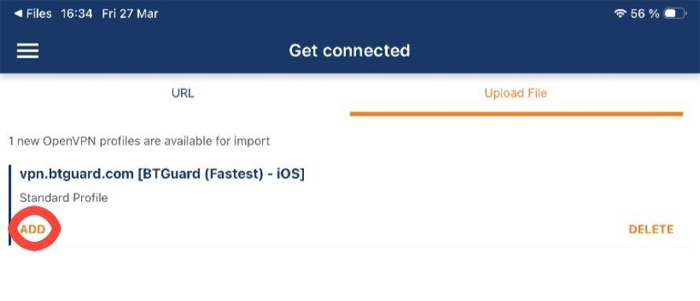
7. Tap on ADD
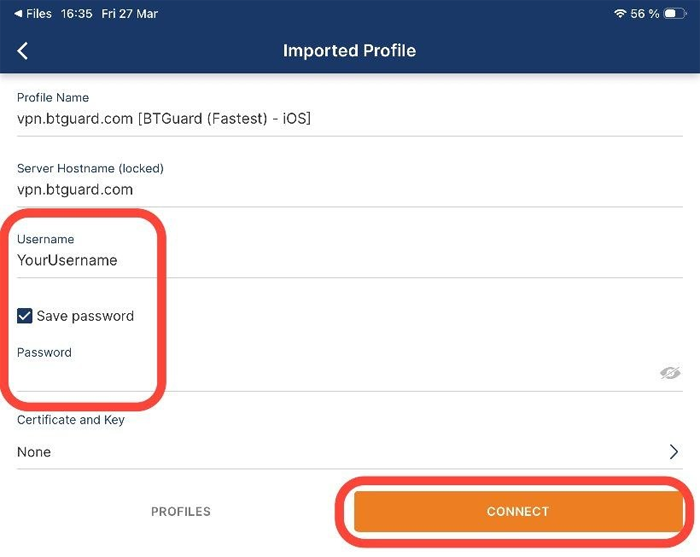
- 8. Type in your username and password.
Both username and password are case sensitive.
Make sure not to add/foreget Capital Letters. - 9. Tap CONNECT
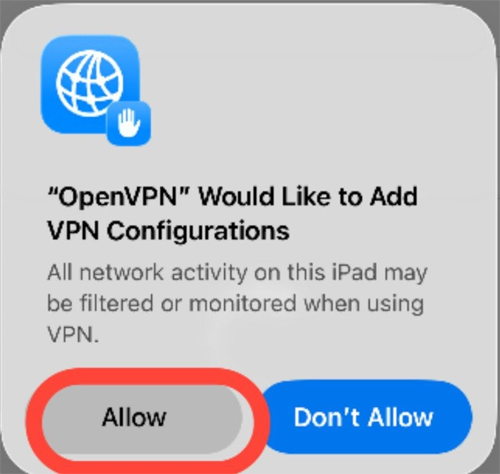
- 10. Tap Allow